Keyboard controls in NFS Underground 2 Browser
18 keyboard controls in one sortable table
NFS Underground 2 Browser Wiki
Verified on version Oct 31, 2026 update (November 1, 2026)
On this page
What are the keyboard controls in NFS Underground 2 Browser?
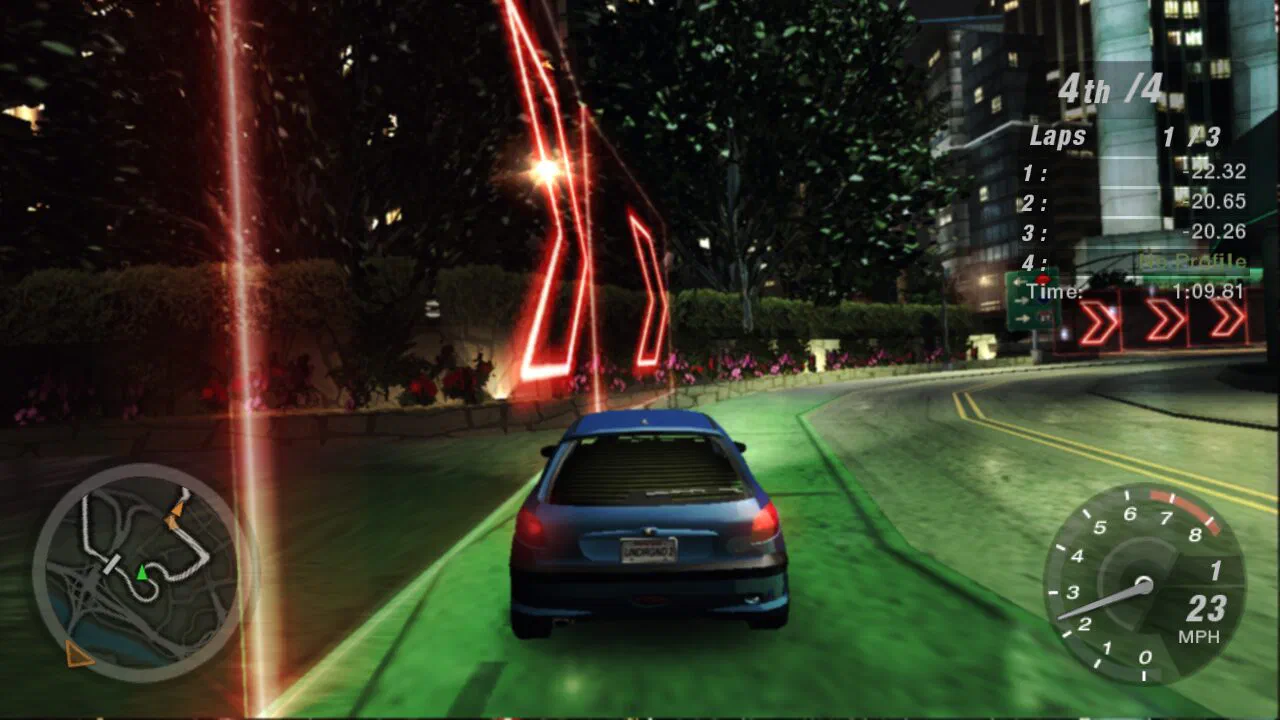
NFS Underground 2 Browser drives with the arrow keys or W, S, A and D, with Alt for nitrous and Space for the handbrake. The port adds keys for online play, free roam, photo mode and its own page menu. You can change the in-game keys in the game's Options, Controls menu, while F8, F9 and F12 belong to the port's page.
| Name | Action | Used in | Order |
|---|---|---|---|
| Up and Down arrows | Throttle, brake and reverse | Driving | 1 |
| Left and Right arrows | Steer, or W, S, A and D | Driving | 2 |
| Alt | Nitrous | Driving | 3 |
| Space | Handbrake | Driving | 4 |
| Shift and Ctrl | Shift up and shift down with a manual transmission | Driving | 5 |
| C and B | Change the camera and look back | Driving | 6 |
| R | Respawn | Driving | 7 |
| H and J | Hydraulics: hold, then use the arrows | Driving | 8 |
| N | Horn, heard by other players | Online | 9 |
| X | Drift mode in free roam | Free roam | 10 |
| 1 to 4 | Quick chat: pick a group, then a phrase | Online | 11 |
| I | Message a friend in free roam | Online | 12 |
| Enter | Start an event or take an outrun | Free roam | 13 |
| M and Tab | Map and messages | Free roam | 14 |
| Esc and P | Pause | Menus | 15 |
| F12 | Photo mode, then F12 again takes the photo | Page | 16 |
| F9 | Page menu: full screen, controls, log and quit | Page | 17 |
| F8 | Frame rate counter | Page | 18 |
Which sources support this page?
UBG76 play test of the port's Quick Race screens, The port's start page, settings tabs and Changelog, th0mk/nfsu2-web source code on GitHub, which holds none of the game's code or data and Need for Speed: Underground 2 on Wikipedia support this page, verified against version Oct 31, 2026 update.
- UBG76 play test of the port's Quick Race screens Desktop Chrome with WebGPU, November 1, 2026, no profile loaded.
- The port's start page, settings tabs and Changelog Copied on November 1, 2026. The site is named in the text but not linked, because it serves the original game's data.
- th0mk/nfsu2-web source code on GitHub, which holds none of the game's code or data
- Need for Speed: Underground 2 on Wikipedia