Options in Hamburger Hill
14 options in one sortable table
Hamburger Hill Wiki
Verified on version 0.8.3 (November 2, 2026)
On this page
What can you change in the Hamburger Hill options?
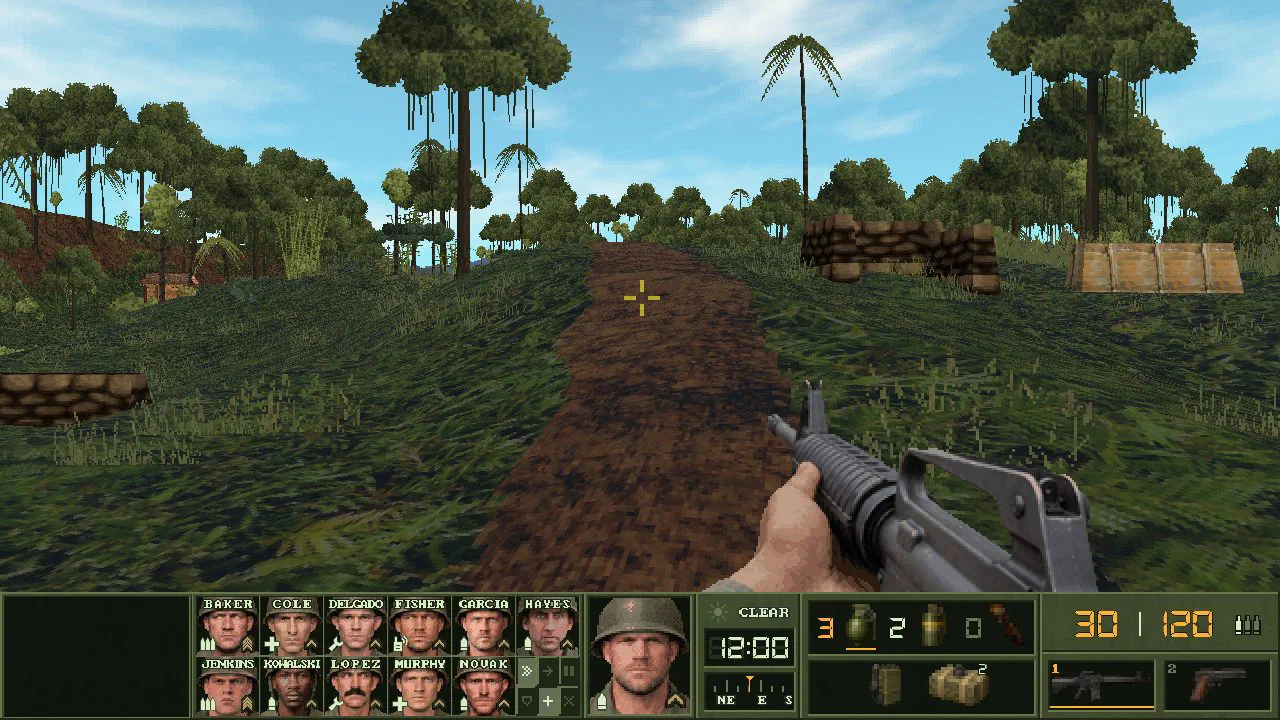
The Hamburger Hill Options screen has three tabs. System holds five volume sliders, brightness and the display mode. Gameplay sets violence, game speed, hit markers, camera shake and the art style, which can switch from the newer Digitized sprites back to Classic. Controls holds the mouse and stick speed and every key binding.
| Name | Tab | Values |
|---|---|---|
| Master volume | System | Slider |
| Effects | System | Slider |
| Voices | System | Slider |
| Ambience | System | Slider |
| Music | System | Slider |
| Brightness | System | Slider |
| Display | System | Window by default |
| Violence | Gameplay | High by default |
| Game speed | Gameplay | Normal by default |
| Hit markers | Gameplay | On by default |
| Camera shake | Gameplay | Normal by default |
| Art style | Gameplay | Digitized by default, or Classic for the older sprites |
| Mouse speed | Controls | Slider |
| Stick speed | Controls | Slider |
Which sources support this page?
Hamburger Hill on Wesware's itch.io page, Hamburger Hill devlog on itch.io and UBG76 play test of the 0.8.3 Linux build support this page, verified against version 0.8.3.
- Hamburger Hill on Wesware's itch.io page Store text, platforms, price and file sizes, read on November 2, 2026.
- Hamburger Hill devlog on itch.io Release posts for 0.2.0 to 0.8.0.
- UBG76 play test of the 0.8.3 Linux build Played offline on November 2, 2026.