Settings in DirtBound
10 settings in one sortable table
DirtBound Wiki
Verified on version Nov 1, 2026 build (November 2, 2026)
On this page
What do the DirtBound settings change?
DirtBound has three settings tabs: Graphics, Sound and Controls. The graphics presets are Low, Normal and Ultra, and the game applies a new one at the next start or right away from the pause menu. Sound has separate sliders for the engine, the tires and the music. Controls lets you bind two keys to each action.
| Name | Tab | What it does |
|---|---|---|
| Low graphics | Graphics | No trees, rocks or campsites; no shadows, smoke or glow; lower resolution; frames shown as soon as possible for less latency. The game calls it the preset for low-end PCs. |
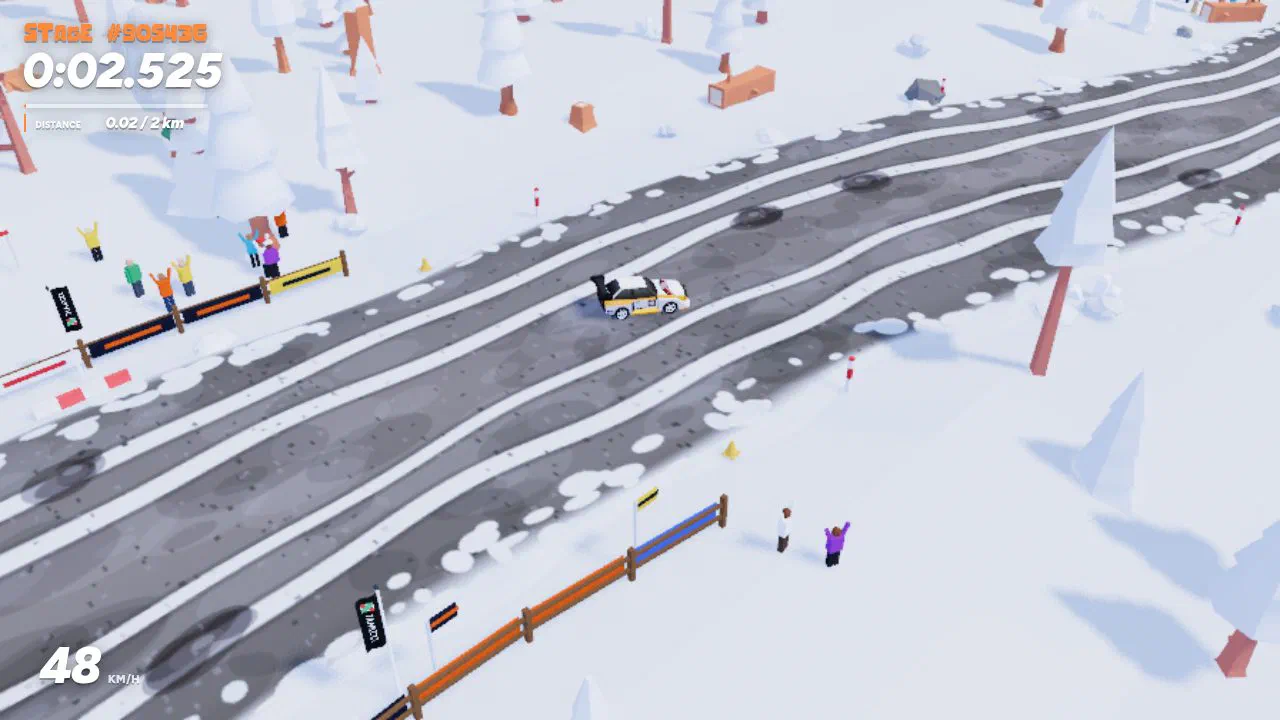
| Normal graphics | Graphics | Forests, rocks and campsites, soft shadows, drift smoke, glow around lights and a resolution that adjusts to stay smooth. It is the default. |
| Ultra graphics | Graphics | Everything in Normal plus sunbeams between the trees, contact shadows, a high-definition rally road, animated spectators and undergrowth with flowers in spring. |
| Depth of field | Graphics | Ultra only. Blurs the scenery in front of and behind the car. It is on by default, with a strength slider set to 50%. |
| Engine volume | Sound | Slider from 0 to 100%. Release it to hear the new level. |
| Tire volume | Sound | Slider for tire squeal and skids, from 0 to 100%. The game labels it Tyres. |
| Music volume | Sound | Slider for the guitar music, from 0 to 100%. |
| Music in the menu | Sound | Turns the menu music on or off. |
| Music while racing | Sound | Plays the same track during the race. Off by default. |
| Key bindings | Controls | Two keys per action. Click a key, press the new one, Esc cancels and Backspace clears. Default keys restores them all. |
Which sources support this page?
DirtBound official site, DirtBound game client files, DirtBound on itch.io and DirtBound privacy page support this page, verified against version Nov 1, 2026 build.
- DirtBound official site Played in desktop Chrome on November 1 and 2, 2026; menus, settings and the in-game legal notice and credits read the same day.
- DirtBound game client files Public scripts and the English text file (js/locales/en.js) served by the site, downloaded on November 1, 2026.
- DirtBound on itch.io Published October 29, 2026, status In development.
- DirtBound privacy page Last updated October 30, 2026.
▶ Play DirtBoundBrowser play. Opens through the UBG76 game page, then on dirtbound.fr.