Circuit editor in DirtBound
Circuit editor is the DirtBound track builder: you draw a road, shape the ground around it, test it right away and, when signed in, publish it so other players can race and star it.
Verified on version Nov 1, 2026 build (November 2, 2026)
On this page
What is Circuit editor in DirtBound?
Circuit editor is the DirtBound track builder: you draw a road, shape the ground around it, test it right away and, when signed in, publish it so other players can race and star it.
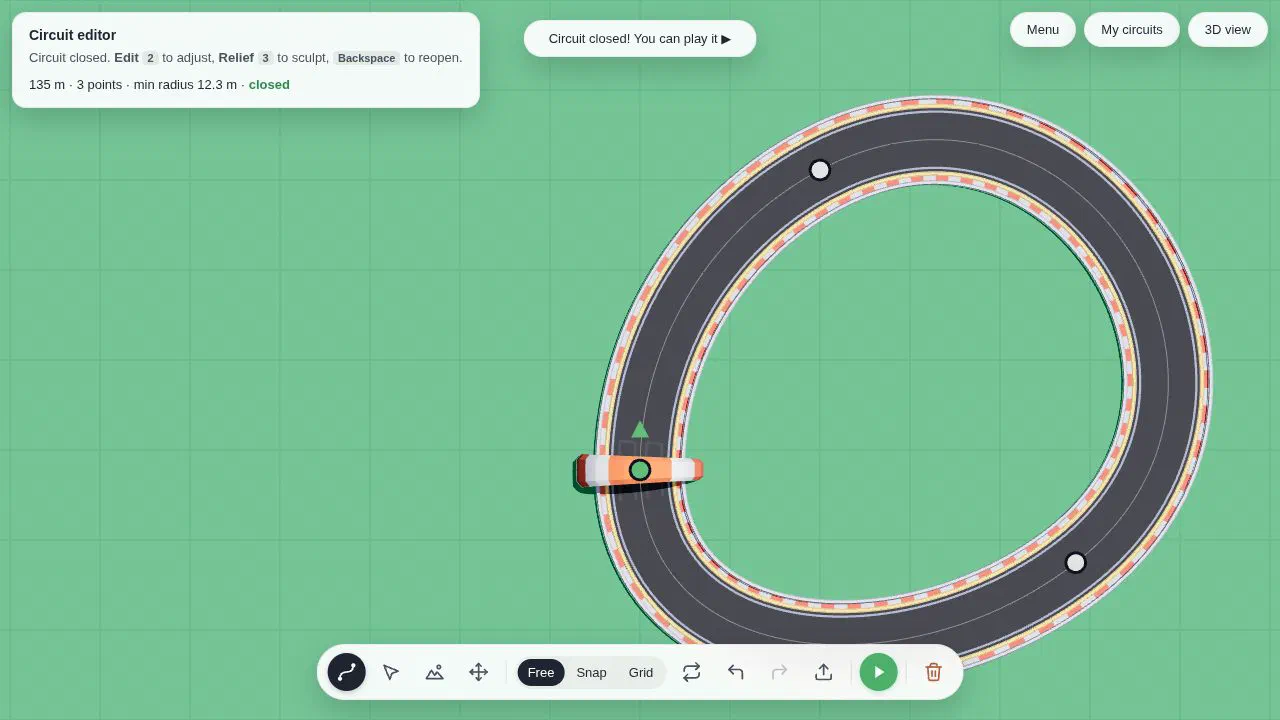
Open the editor from the pencil icon on the home screen. It starts as a green grid seen from above, with a toolbar at the bottom and Menu, My circuits and 3D view buttons at the top right.
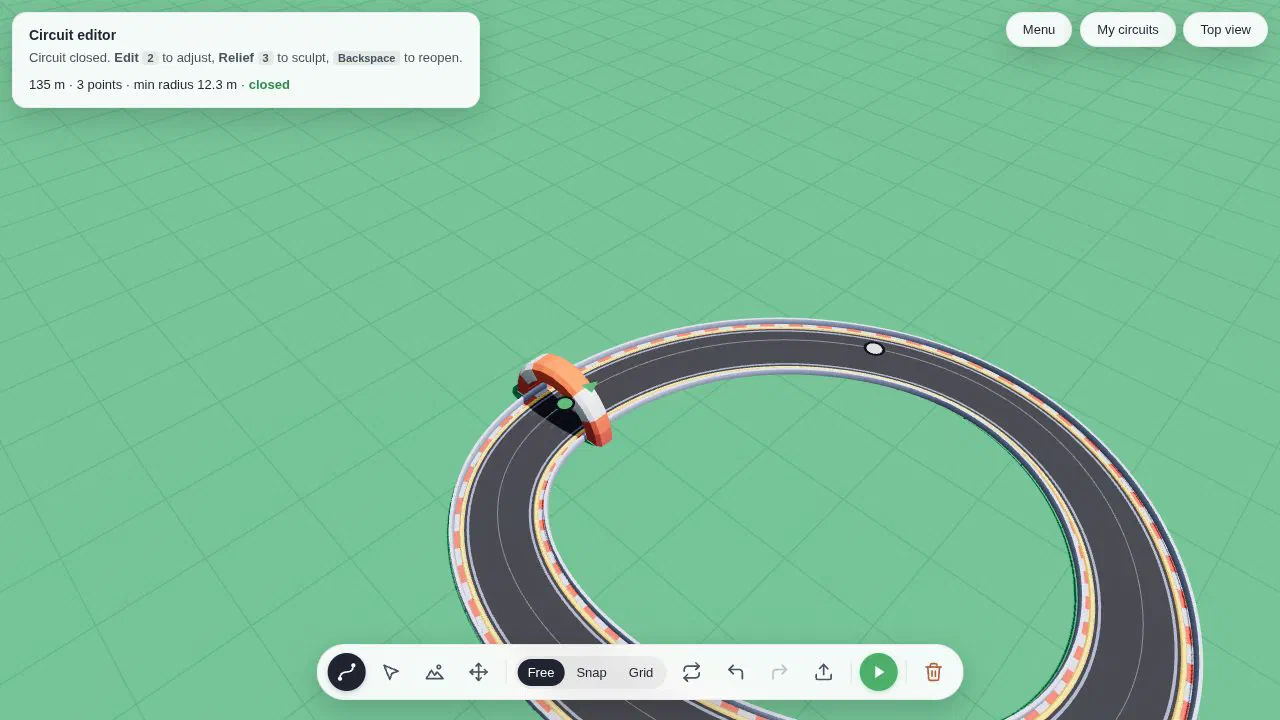
The four tools. Build (key 1) lays the road. Edit (key 2) lets you drag points and their direction arrows. Relief (key 3) paints the ground up or down, and the road adapts with embankments and cuttings. View (key 4) moves the camera. Press V to switch between the top view and the 3D view.
Three ways to draw. Press G to cycle through them. Free places curves wherever you click. Snap keeps angles to 15 degrees and lengths to half tiles. Grid lays straights and quarter turns lined up on the tiles. For a first loop, Free is the simplest: in our test, three points and a click back on the start closed a 135 m oval. Start by clicking to place the start line, then lay segments and come back to the start to close the loop.
Height, bridges and piers. Q and E raise or lower the next segment, and T puts a point back on the ground. P switches a segment between following the terrain and running on a deck held up by piers. Roads may cross only if one passes at least 4.5 m above the other, which makes a bridge.
Limits. The editor marks a problem in red and tells you why: a corner tighter than a 4.5 m radius, a slope steeper than 30% or two roads crossing at the same height. Fix those before you play.
Saving and publishing. Name the circuit (2 to 40 characters) and it is saved in your browser, with every change kept. Press Play the circuit to drive it at once. To share it, sign in with Google and press Publish. Only a closed loop can be published, and too much sculpted ground far from the road can make it too big to upload. Publishing again with Update replaces the online version: the stars stay, but its leaderboard starts over. You can also import a path from an SVG file and turn a drawing into a track.
What does Circuit editor look like in the game?
What are Circuit editor's stats in DirtBound?
Circuit editor has a menu of Editor (pencil icon); Optional, to publish; and 1 players.
What else should you know about Circuit editor?
How do I make a circuit in DirtBound?
How do I publish a DirtBound circuit?
Can DirtBound circuits have bridges?
Which guides cover Circuit editor?
1 guide covers Circuit editor.
Which sources support this page?
DirtBound game client on dirtbound.fr supports this page, verified against version Nov 1, 2026 build.
- DirtBound game client on dirtbound.fr Editor opened and a loop drawn and closed in Chrome on November 2, 2026 (not saved or published); limits from js/SplineTrack.js and js/Bridges.js, tool text from js/locales/en.js.