MineCash is an incremental mining game.
Opens on itch.io
Too long; didn't read. Type it anyway. TL;DR turns the classics into an incremental game: type the page, earn gold, buy upgrades and slowly hand the book over to automation. The free demo plays in your browser on itch.io.
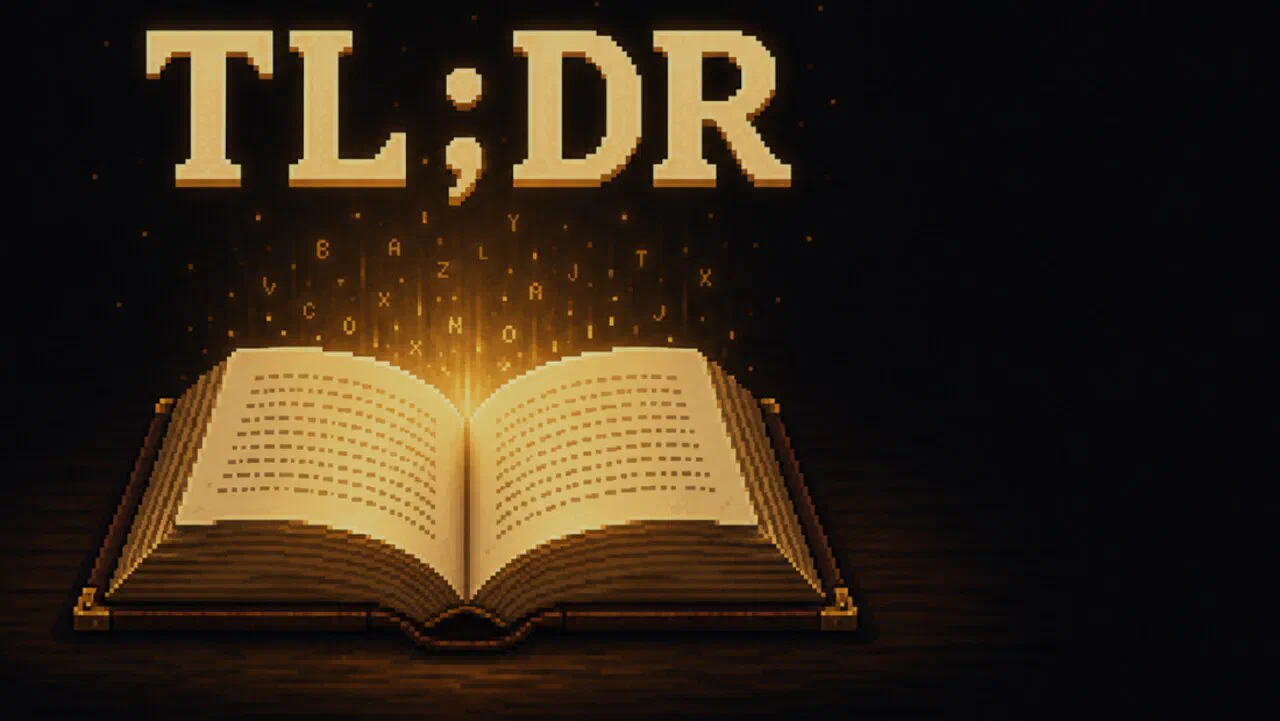
Best on a computer: this game needs a keyboard or mouse.
Opens on itch.io · Free · No sign-up
MineCash is an incremental mining game.
Plinko Idle is an idle clicker game.
Hidden Grimoire: Idle Alchemy is an idle alchemy game.
Slice To Meet You is a cozy incremental game.
TL;DR is an incremental typing game where you transcribe classic novels to earn gold and buy upgrades until the book starts typing itself. TL;DR is made by Alan Desdoits. UBG76 is not its developer or official site. TL;DR opens on the developer's itch.io page because it cannot be embedded on other sites.
The developer's own pitch is "Transcribe the classics, one page at a time," and that is exactly how it starts. A page of a real novel appears with a cursor. You type what it points at and every finished word pays out gold. There are no timers anywhere. Everything moves at the speed of your keystrokes. Some letters carry hidden bonuses, so what you type matters as much as how fast.
Gold fills a level bar and opens new upgrades in the shop, and that is where the typing game starts to turn into an idle one. Every key on your keyboard counts down as you use it. When a key hits zero it pays out credits that fill whole words ahead of your cursor and then sweep them in for you. Finished pages become free boosts you can place on any upgrade and take back whenever you like.
Then come the monkeys. You hire them, and they start at the end of the page and guess their words letter by letter. They level up and get better at it. Fill the overdrive gauge, hold the button and release it, and a burst of text types itself. As the developer puts it: "It starts as a typing game. It slowly turns into a machine that types for you, and you get to read what it writes."
The browser version is a free demo by Alan Desdoits. It covers the tutorial and the full first chapter of Moby-Dick, which takes about an hour, with the keyboard countdown, the overdrive and the monkeys unlocked and no upgrade locked. When you finish the chapter you can start again from page one. The full game, with the rest of Moby-Dick and 14 more classics, is coming to Steam in 2027. The Play button here opens the demo on the developer's itch.io page.
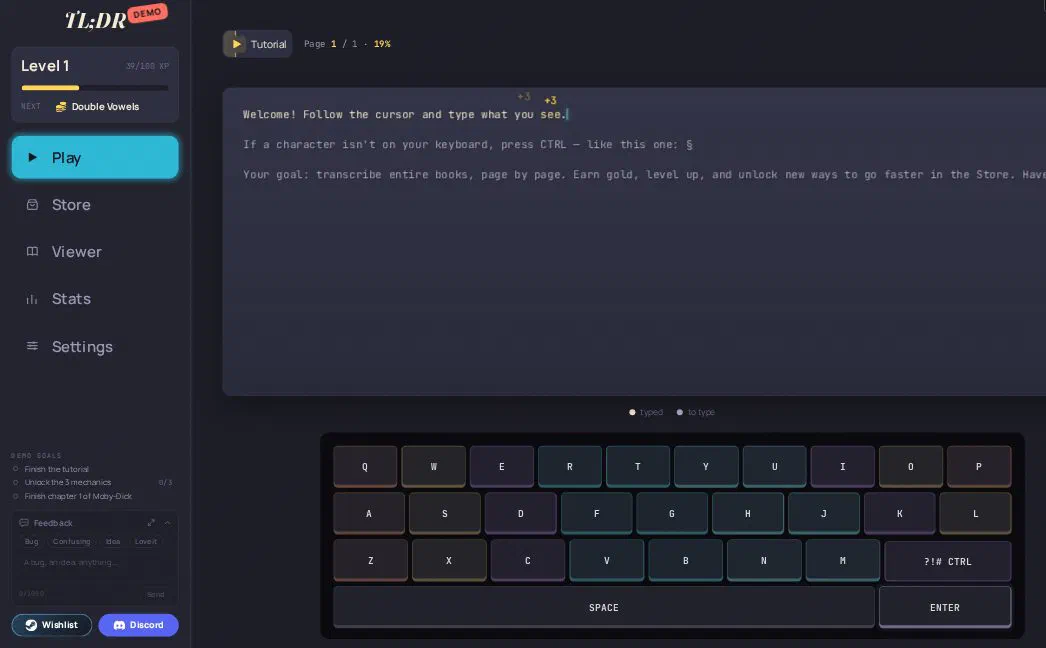
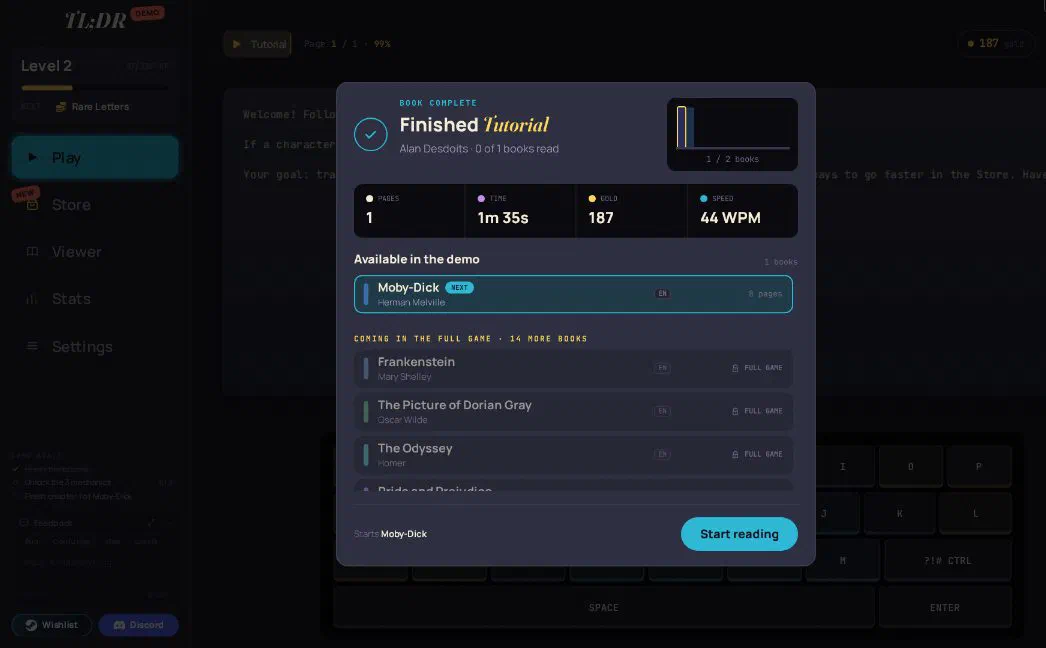
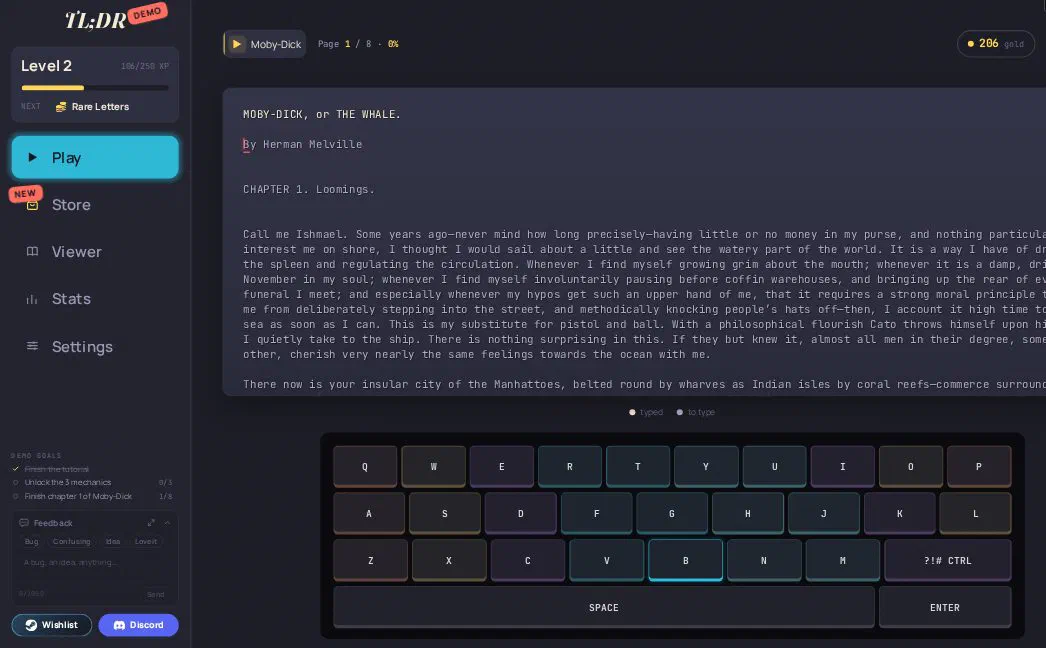
Type the characters the cursor points at to earn gold, then spend that gold on upgrades, monkeys and overdrive until the page starts typing itself.
A page of a real book appears with a moving cursor. Type each character it points at. Finish a word and you earn gold. If a character isn't on your keyboard, press CTRL to skip it and keep going.
Gold fills your level bar and opens new upgrades. Finished pages become free boosts you can place on any upgrade and move again whenever you like.
Every key counts down as you use it. When one hits zero it pays out credits that fill entire words ahead of your cursor, then sweep them in for you.
Monkeys start at the end of the page and guess their words letter by letter, getting better as they level up. Fill the overdrive gauge, hold the button and release it for a burst of text.
The fun is watching your own typing slowly become a machine that types for you, while you work through a real classic novel.
The demo is the first chapter of Moby-Dick. The full game adds the rest of it plus 14 more classics, including Dracula, Frankenstein and Pride and Prejudice.
Nothing in TL;DR counts down against you. The game moves at the speed of your keystrokes, so you can type at whatever pace feels right.
The keyboard countdown, the monkeys and the overdrive slowly take over the work, until you're mostly steering.
Hired monkeys work from the end of the page, guessing words letter by letter. They level up, they get better and they never ask for a raise.
Finish a book and it joins your collection along with your stats: speed, accuracy, gold per hour and who typed what.
The game is available in ten languages, including English, French, German, Spanish, Japanese, Korean and Simplified Chinese.
TL;DR is for incremental fans, people who like to type and readers who enjoy classic novels like Moby-Dick.
If you love watching a system slowly automate itself, TL;DR turns your own typing into the thing that gets automated.
It doubles as relaxed typing practice. The early game rewards clean, steady typing before automation takes the wheel.
Transcribing a real classic page by page gives TL;DR a calm, literary feel you won't find in most clickers.
Type cleanly to catch letter bonuses, press CTRL on characters your keyboard lacks and put your finished pages to work as boosts.
Watch for bonus letters. Some letters carry hidden bonuses, so clean, accurate typing pays more than mashing keys.
Use CTRL without hesitating. When a character isn't on your keyboard, press CTRL to skip it. Stalling on it only slows your gold.
Put finished pages to work. Finished pages are free boosts. Place them on whichever upgrade helps most right now and move them later when your plans change.
Let the keyboard countdown help. Keys that hit zero fill words ahead of your cursor and sweep them in, so the letters you use most start paying back fast.
Save overdrive for long stretches. Fill the gauge, hold the button and release it when a long run of text is ahead to get the most out of the burst.
The demo is free. It covers the tutorial and the first chapter of Moby-Dick and runs in your browser on the developer's itch.io page. The full game is planned as a Steam release in 2027.
No. The demo works in the browser, and the developer also offers it as a Windows download on itch.io if you'd rather play offline.
You type the characters a cursor points at in a real book. Each finished word earns gold, and gold buys upgrades. The keyboard countdown, the monkeys and the overdrive then take over more and more of the typing until the book mostly types itself.
The demo has the first chapter of Moby-Dick. The full game adds the rest of Moby-Dick and 14 more classics, including Dracula, Frankenstein, Pride and Prejudice, The Odyssey, Don Quixote and War and Peace.
TL;DR needs a physical keyboard and uses the mouse too, so it plays best on a desktop or laptop. Without a real keyboard the core typing loop doesn't work well on a phone.
Yes. The game saves automatically, and the demo ends with the first chapter. After that you can play it again from page one.
Some characters in a book aren't on your keyboard. In TL;DR you press CTRL to skip an unrecognized character so you don't get stuck.
TL;DR is made by Alan Desdoits and is still in development. The free demo is on the developer's itch.io page, and the Play button here takes you there.
What the Buck?! is an incremental game.
Feed the AI is an active incremental game.
Rise of the Mogul is an idle business tycoon game.
More Fish Idle Clicker is an incremental fishing game.
We played TL;DR ourselves and checked the facts on this page against these sources.
Facts last checked on October 31, 2026.
Type a page, earn gold and upgrade until the book types itself. The free TL;DR demo opens on itch.io and plays in your browser with no sign-up.