Rainbow Stack is a one-button arcade stacking game.
Plays hereWorks on phones
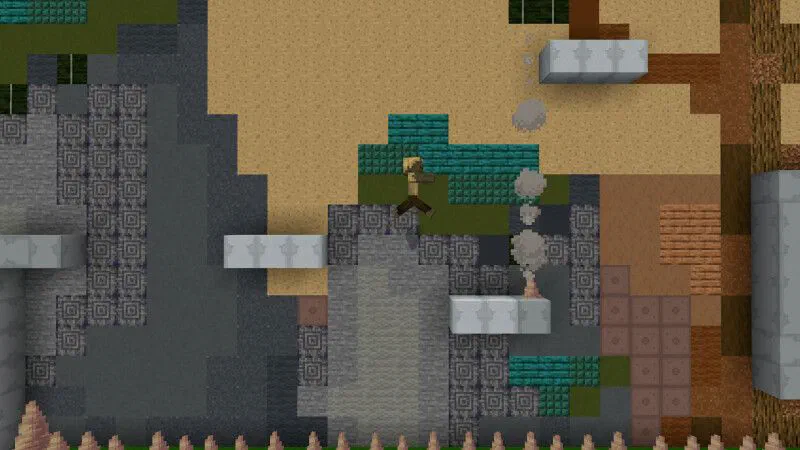
A blocky world, fifteen short stages and a lot of lava in between. Minecraft Platformer is pure run and jump: read the screen, time your leap and try not to fall.
Best on a computer: this game needs a keyboard or mouse.
Plays on this page · No download · No sign-up
Original Scratch project by zon_pigu, shared under CC BY-SA 2.0.
Rainbow Stack is a one-button arcade stacking game.
Shadow Master is a top-down shooting game made on Scratch.
Glide Bird is a Flappy Bird style arcade game.

Charger City Driver is an open-world driving game.
Minecraft Platformer is a Minecraft-themed platform game where you run and jump through 15 short stages, dodging lava, cacti and mobs, to reach the right edge of each screen. Minecraft Platformer is a Scratch game made by zon_pigu. It is not an official Minecraft game, and UBG76 is not its developer or official site. This page runs a packaged copy of the Scratch project, and its stage messages are in Japanese.
Each stage is a single screen. You start on the left, and the stage is done once you walk off the right edge. In between sit grass blocks, sand, trees, caves and plenty of things that want you gone. There is no mining and no crafting here. The game takes the look of Minecraft, with a blocky Steve-style hero and C418's music, and turns it into a short obstacle course.
The early stages ease you in. You walk across flat grass, climb a tree and cross a desert. Then the hazards arrive: cacti to jump over, lava pits with narrow ledges, a cave stage, zombies and skeletons. Each stage opens with a short message in Japanese, such as a cheer to keep going or a warning about what comes next. You do not need to read it to play, but it is a fun touch from the creator.
Mistakes are cheap. Fall off the bottom of the screen or touch a hazard and your character fades out and reappears at the start of the same stage. There are no lives to lose and no game over screen, so you can try a tricky jump as many times as it takes.
Minecraft Platformer was made on Scratch by zon_pigu, whose project notes ask players for a heart and a star in both Japanese and English. It is not an official Minecraft game and has no link to Mojang or Microsoft. The copy on this page is a packaged version of that Scratch project, so it runs in your browser without opening Scratch.
There are 15 stages in all, and the last one tells you it is the final stage. Clear it and you reach a small house with a congratulations message. A full run takes a few minutes once you know the jumps, which makes it a nice thing to beat during a short break.
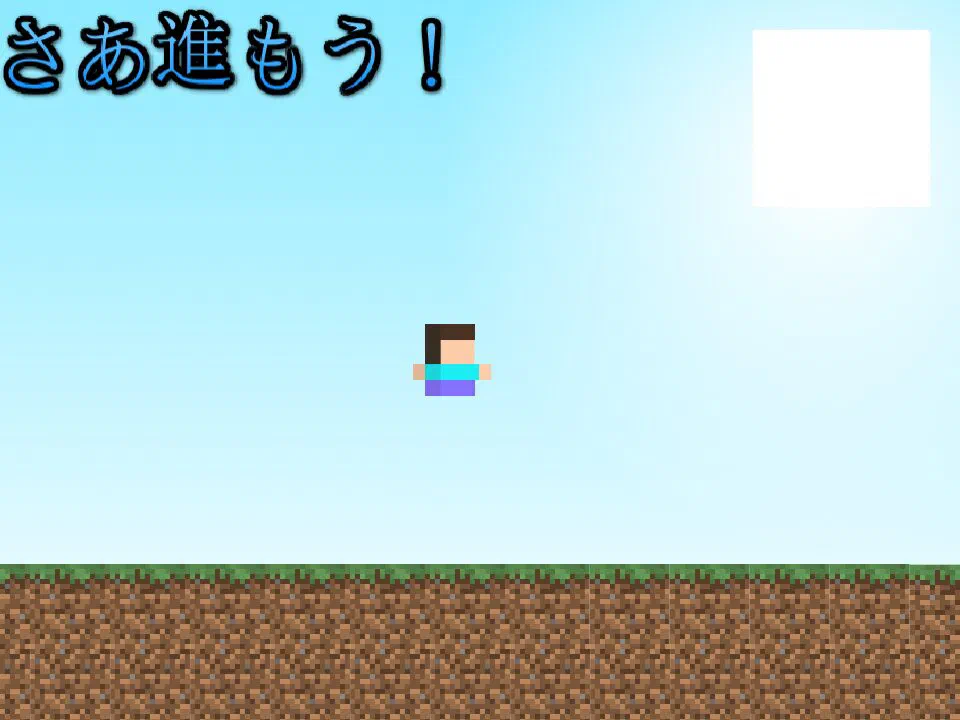
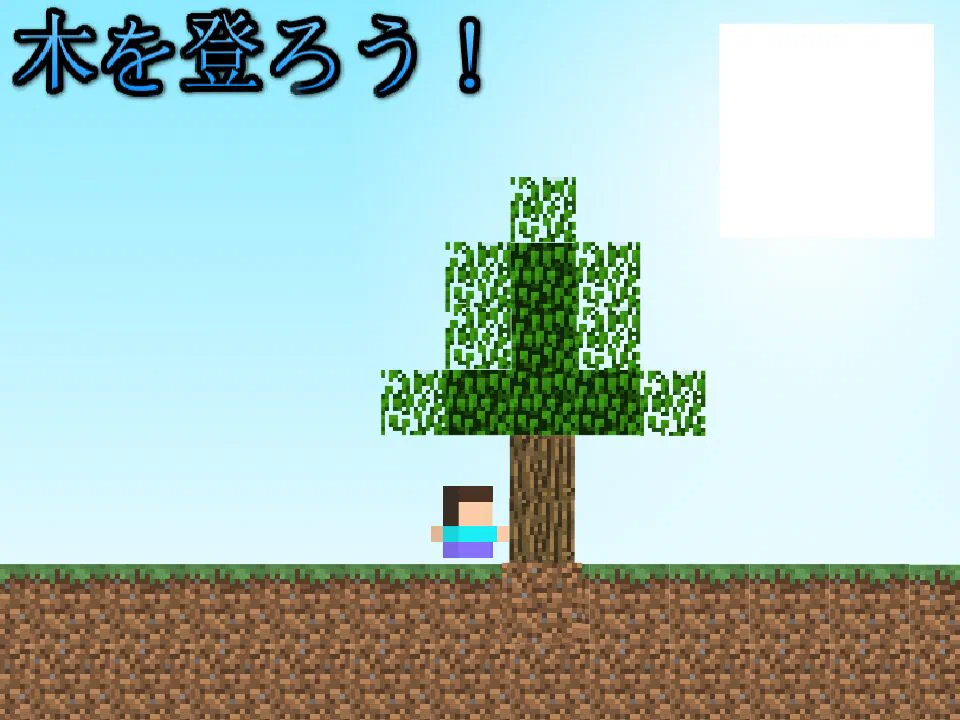
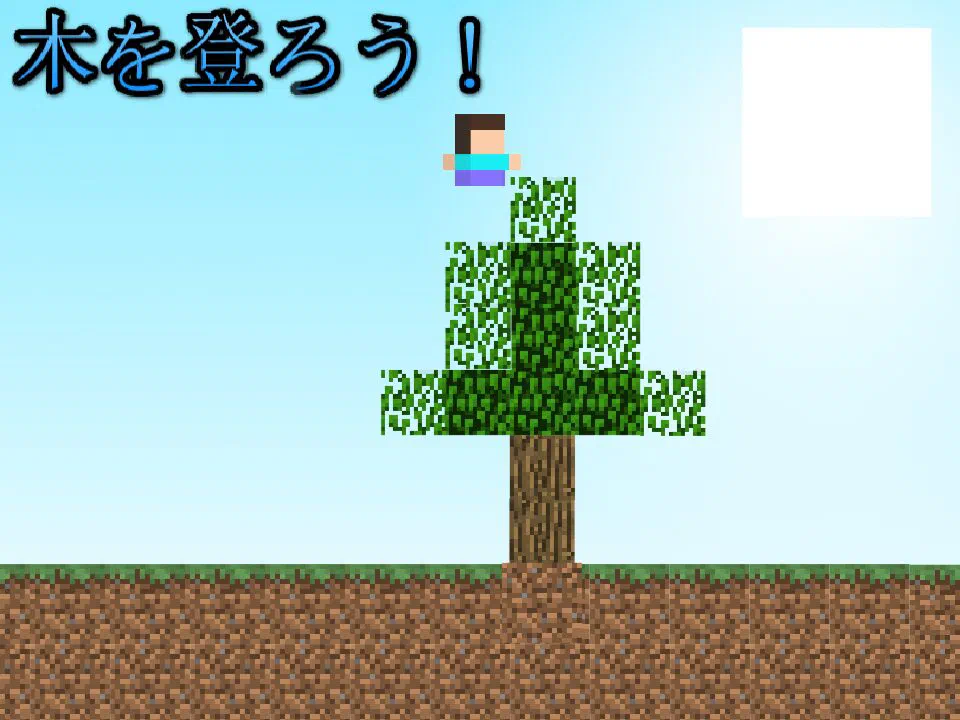
Move with the arrow keys or A and D, jump with Up or W and reach the right edge of each screen without falling or touching a hazard.
Each stage fits on one screen. Before you move, find the gaps, the lava and the mobs so you know where the hard jump is.
Move left and right with the arrow keys or A and D. Jump with the Up arrow or W. Your jump is always the same height, so timing is everything.
Walk off the right side of the screen to finish the stage. A Next banner slides in and the following stage loads.
Falling or touching a hazard sends you back to the start of the same stage. Use each try to learn the spacing.
Short single-screen stages with clear Minecraft-style art make every jump easy to read, and instant respawns keep you trying.
Grass, sand, stone and lava drawn in chunky blocks that are easy to read at a glance.
Each stage is one screen long, so a run is quick and you always know how far there is to go.
Cacti, lava pits, zombies and skeletons each show up in their own stages, so the challenge changes as you go.
There are no lives. A mistake puts you back at the start of the stage within a second.
Flat grass at the start, tight lava jumps and mob stages near the end.
It plays on this page with no install, no account and no paywall.
It is for platformer fans and Minecraft players who want a short, free jumping game they can finish in one sitting.
If precise jumps over well-placed hazards are your thing, this one is a quick, satisfying run.
The blocks, mobs and music will feel familiar, but here the job is jumping instead of building.
Fifteen short stages can be cleared in a few minutes once you know them.
Instant respawns make it easy to keep trying a jump until you finally land it.
Jump from the very edge of each block, take lava stages slowly and remember that a fall only sends you back to the start of the stage.
Jump from the edge. Your jump height is fixed, so distance comes from timing. Leaving the block as late as possible gives you the most reach.
Slow down near lava. Lava stages have narrow ledges. Let your character stop before a jump so you do not slide past the edge.
Watch the whole screen. Each stage fits on one screen. Plan the route before you move instead of reacting halfway through.
Treat mobs like walls. Zombies and skeletons count as hazards. Jump cleanly over them rather than trying to squeeze past.
Use the respawn. A fall only costs you the current stage. Try the risky line first and switch to a safer one if it keeps failing.
Play it in one sitting. Progress is not saved, so reloading the page starts again from stage 1. Leave the tab open if you need a break.
Yes. Minecraft Platformer is free and plays right on this page with no download and no sign-up. Click play and you start on stage 1.
Move with the arrow keys or A and D and jump with the Up arrow or W. Reach the right edge of each screen to clear the stage while avoiding falls, lava, cacti and mobs.
Left arrow or A moves left, Right arrow or D moves right and Up arrow or W jumps. The Space bar does nothing in this game.
There are 15 stages. The last one tells you it is the final stage, and clearing it takes you to a congratulations screen.
No. It is a fan-made Scratch game by zon_pigu that uses a Minecraft-style look. It is not an official Mojang or Microsoft product and is not affiliated with either.
The creator wrote the stage messages in Japanese. They are short cheers and warnings, and you do not need to read them to play.
Your character fades out and reappears at the start of the same stage. There are no lives, so you can retry as often as you like.
Not well. You need a keyboard to move and jump, and the game has no on-screen buttons. A desktop or laptop works best.
No. Reloading the page starts you again from stage 1, so try to finish a run in one go.
Right here. The game runs on this page, so you can play it in your browser without visiting Scratch.
We played Minecraft Platformer ourselves and checked the facts on this page against these sources.
Original Scratch project by zon_pigu, shared under CC BY-SA 2.0.
Facts last checked on October 31, 2026.
Read the screen, time your jump and make it past the lava. Minecraft Platformer is free and plays right here in your browser with no download.